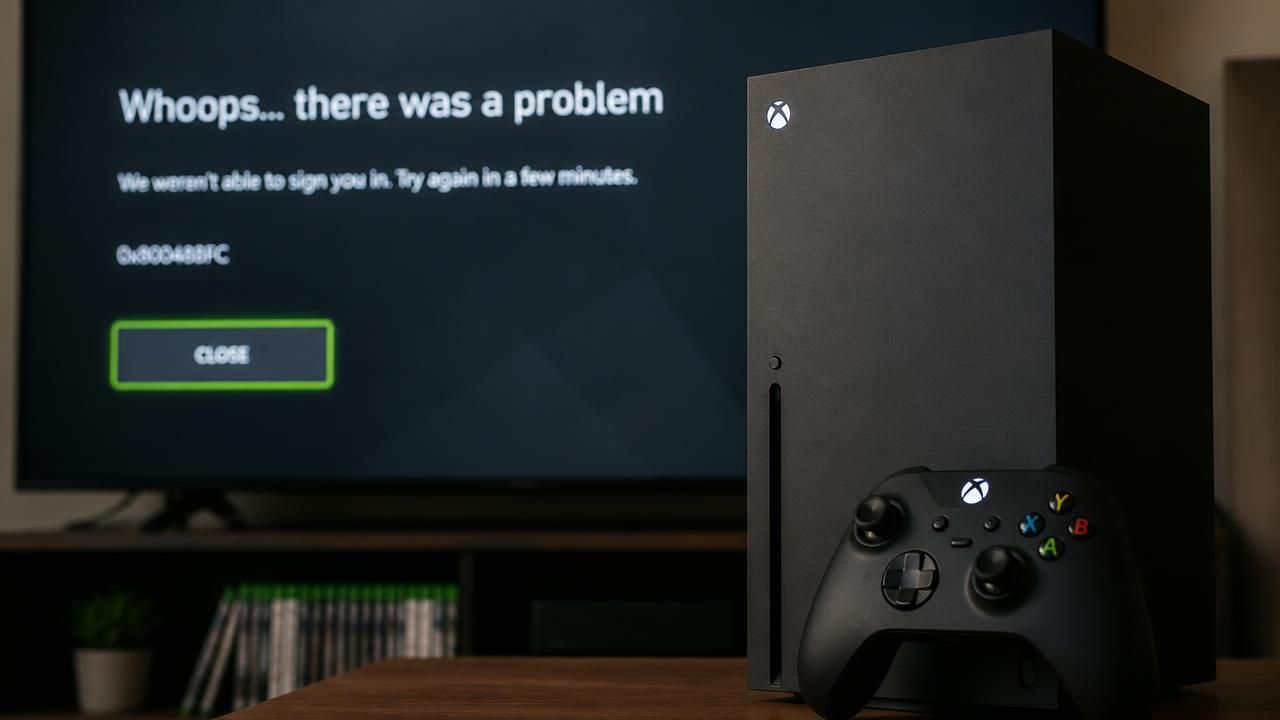
In an unprecedented service disruption that began Sunday evening, Xbox users across the globe have been unable to access their games—both digital and physical—as the platform's authentication servers remain offline for over 12 hours. The outage, which started around 11 PM ET on November 3, 2024, has prevented players from logging into their accounts, launching apps, and, most surprisingly, playing disc-based games that traditionally did not require an internet connection.
Microsoft’s official Xbox Status page initially acknowledged the issues late Sunday, citing problems with “account sign-in,” “content launches,” and the “Xbox Store.” By Monday morning, the company updated the status to confirm that users “may have problems” playing both digital and physical titles—a rare acknowledgment that the outage extends beyond online-only features. Social media quickly filled with frustrated players sharing error messages, with many reporting that even fully installed disc games demanded an online check before booting.
How the Outage Unfolded
The incident marks one of the most extensive Xbox network failures in recent memory, affecting core services including login authentication, cloud saves, and license verification. According to reports from The Verge, the outage initially appeared to only impact digital purchases and Game Pass titles, but as hours passed, physical disc owners discovered they were equally locked out. A Verge editor noted that while some digital games they owned launched, any title tied to Game Pass subscription failed to start—indicating that the outage specifically crippled Microsoft’s license validation system.
This reliance on online checks for physical games has been a growing concern among gamers. Modern Xbox consoles, like the Xbox Series X and S, require a one-time online activation upon first launch of a disc game, but subsequent play is supposed to work offline. However, the current outage suggests that the system performs periodic re-authentication, leaving players stranded when servers are down.
“I ejected the disc, rebooted, even tried offline mode—nothing works. It’s a reminder that we don’t truly own the games we buy, even on a disc,” wrote one user on Reddit, echoing a sentiment shared by thousands.
A Pattern of Outages
The Xbox outage comes just days after Sony’s PlayStation Network suffered a significant disruption over the weekend, affecting multiplayer and digital storefronts. The back-to-back failures have reignited debates about the fragility of modern gaming ecosystems and the growing dependency on always-online infrastructure. While Microsoft has not provided a timeline for restoration, the company issued a brief statement via the Xbox Support account on X (formerly Twitter) saying it is “aware of the issue and working on a fix.”
Cybersecurity experts speculate that the outage may stem from a database or authentication server failure, possibly related to a botched update or certificate expiration. Without official confirmation, the exact cause remains unknown. The outage also impacted Xbox Cloud Gaming, which requires an active server connection to stream titles.
What This Means for Players
For many, the outage highlights a critical vulnerability: the inability to play single-player games during a server failure. Even games that have no online component, like Elden Ring or Cyberpunk 2077, became unplayable if they were launched via disc on consoles that couldn’t verify the license. The Shortcut, a technology news site, noted that a potential workaround exists—setting the console to “offline” mode in the system settings before an outage occurs—but it requires preemptive action that most users haven’t taken.
To play offline without disruption, users must designate their Xbox as their “home console” under settings. When the console is set as home, license checks are cached locally, allowing disc and digital games to launch without server verification. However, this option is limited to one console per account, and frequent travelers or those with multiple consoles may find it impractical. Moreover, if the console hasn’t been set to home prior to the outage, there is no way to do so without an internet connection.
- Home Console Setting: Go to Settings > General > Personalization > My Home Xbox and select “Make this my home Xbox.” This must be done while online.
- Offline Mode: After setting as home, players can go offline in network settings to bypass server checks for most games.
- Game Pass Titles: Even with home console settings, Game Pass games require periodic online validation, typically every 30 days. An extended outage could still block access.
Industry Implications
The incident has drawn sharp criticism from consumer advocacy groups who argue that physical media is increasingly becoming a license rather than ownership. “When a server hiccup can disable a disc you bought, it’s time to rethink what ‘ownership’ means in the digital age,” said Dr. Emily Carter, a digital rights researcher at the University of Cambridge.
For Microsoft, the timing could not be worse. The company is in the midst of promoting its Game Pass subscription service and cloud gaming initiatives, both of which depend on reliable online connectivity. A prolonged outage risks eroding consumer trust, especially after similar issues on PlayStation and Nintendo Switch Online in recent months.
As of Monday afternoon, some users reported intermittent access returning, but the majority remain locked out. Microsoft has yet to provide a restoration estimate, advising players to monitor the official status page for updates. For now, the gaming community is left waiting—and questioning how much control they really have over the games they’ve purchased.
This story is developing. We will continue to update as more information becomes available.